
reMarkable Paper Pure 10.3" Tablet Review
As an Amazon Associate, we earn from qualifying purchases at no cost to you.
Quick verdict
The reMarkable Paper Pure is a great digital notepad with a paper-like feel, accurate handwriting conversion, and useful features for reading and annotating PDFs. While it lacks a backlight and the plastic case feels flimsy, it offers a solid experience for those who prefer e-ink displays.
Design
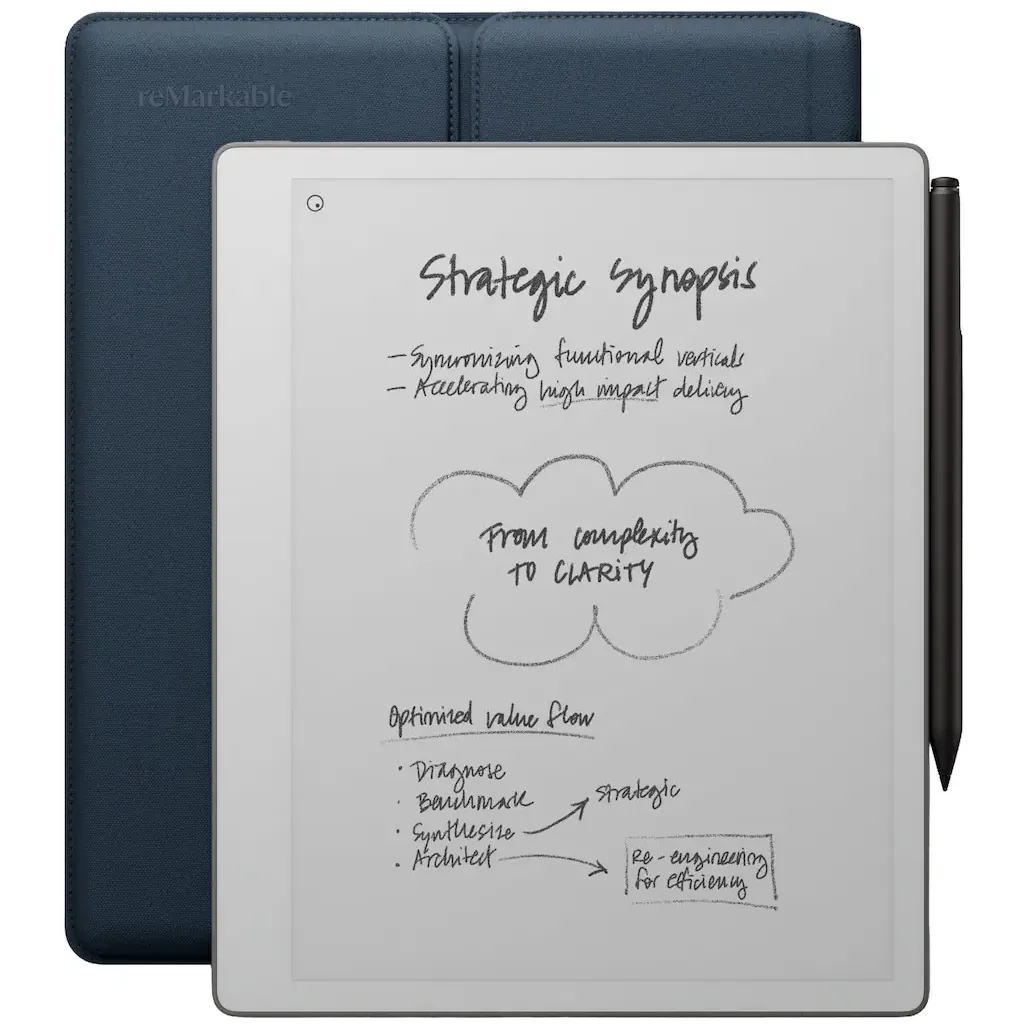
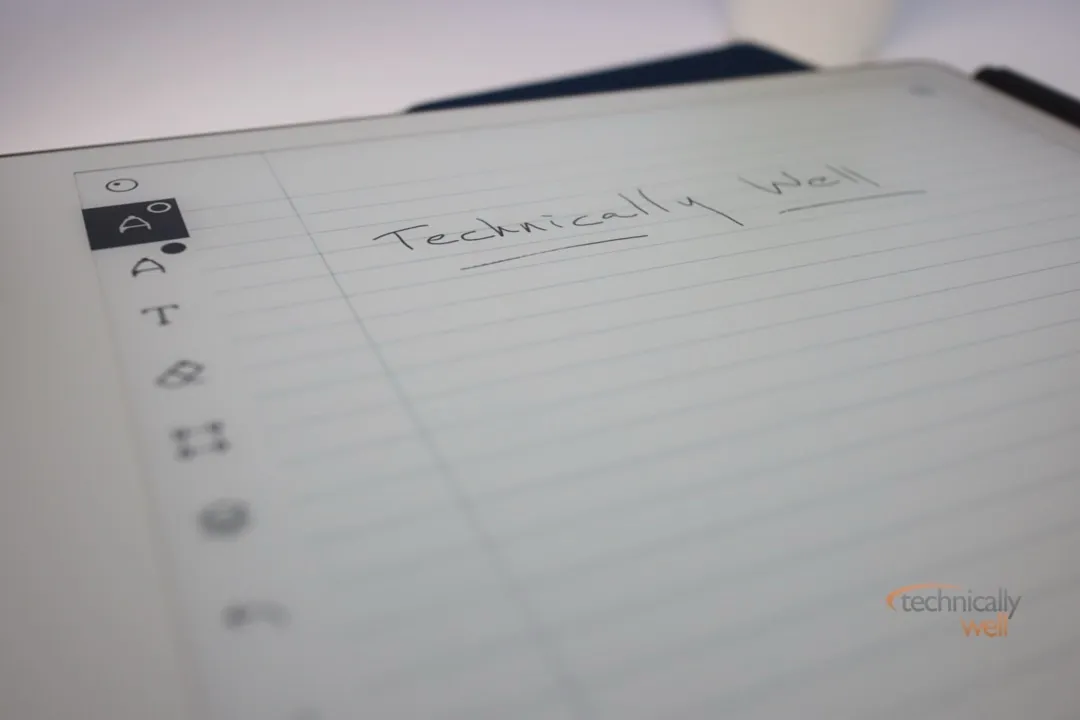
You can think of the reMarkable Paper Pure as a digital notepad. It has a crisp, e-ink touchscreen that is great for reading, plus you can also markup and highlight text with the included stylus (what they refer to as a “marker”). The matte display has a paper “feel” to it, so writing feels natural when using the stylus.
Not only does the display feel like paper, but it also looks like paper as well. The background is white, and the dark e-ink display contrasts nicely against it. Unfortunately, there is no backlight in the Paper Pure, so you will only be able to use it in a well-lit area.
The frame of the device is plastic and while it is lightweight, it does feel a little flimsy. However, the bundle version of this tablet includes a semi-rigid carrying case, and there are other 3rd party protective case options available as well.
The stylus attaches magnetically to the right side of the Paper Pure for storage and charging. The bundle version of this tablet includes Remarkable’s Marker Plus which includes an eraser function on one end which saves you from having to manually turn on the erasing function in the software with the regular Marker. The bundle also includes a Sleeve Folio for the Paper Pure.
Performance
The OS and display are responsive and documents and notebooks open quickly so you can get to work. There is some ghosting when scrolling and pinching and zooming, but if you wait a beat the screen typically refreshes to clear any abnormalities.
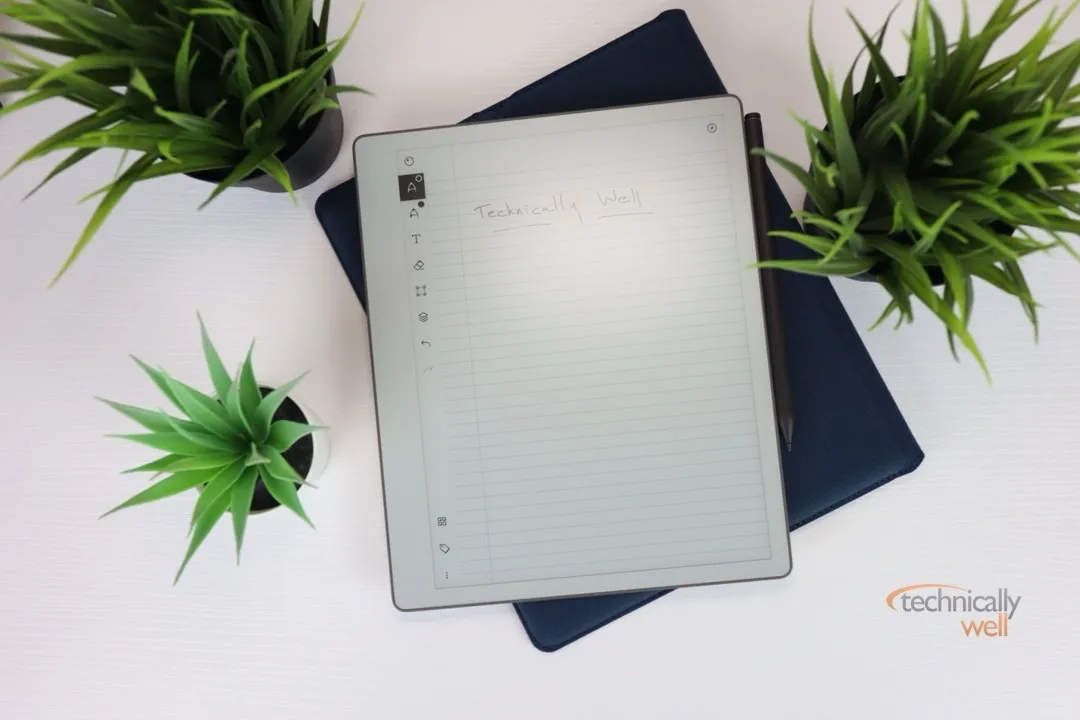
When creating new notebooks on the device, you can choose from a blank page or use a handful of templates as a background, such as lined notebook paper, week planners, and sheet music.
Writing on the device feels natural and, as I mentioned, the glass display has a matte finish that provides a paper-like feel as you write. The Paper Pure can also convert handwriting to text and I found it to be quite accurate with my own writings.
I sometimes need to read lengthy manuals and technical documentation in the PDF format which I typically do on an iPad, but sometimes (especially after long reading sessions) my eyes prefer an e-ink display. Transferring PDFs to a Kindle typically messes up the formatting, so I’ve been looking for a larger e-ink solution for PDF reading. The reMarkable Paper Pure does a fair job with PDFs as you can import PDFs in their original format. The resolution of the display is typically enough for most PDF documents, but text-dense documents or documents with a small font may require zooming or using the tablet in landscape mode.
You can transfer documents back and forth from the tablet my using reMarkable’s website, but some features require a subscription.
Which features are free and which require a Connect subscription?
Free features include:
- Reading web articles and eBooks
- Transferring/syncing files updated within the past 50 days
- Handwriting conversion to typed text
- Annotating PDFs
- Using the browser extension on your laptop to send PDFs and articles to reMarkable
- Retrieving documents from Google Drive, Dropbox, and OneDrive
The Connect subscription adds these features:
- Unlimited cloud storage and syncing (no 50-day limit)
- Viewing and editing your work in the mobile and desktop apps (without the tablet)
- Handwriting search
- Exclusive templates
Battery Life
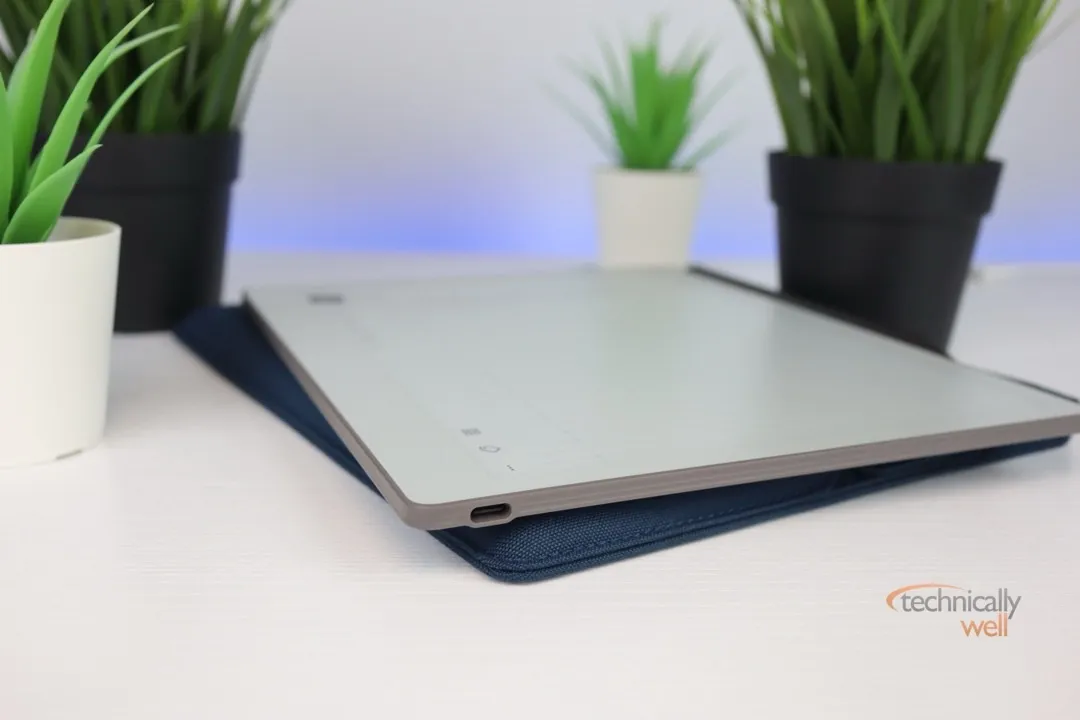
The Paper Pure can last about 3 weeks on a single charge, and it recharges with a standard USB-C cable.
Our Verdict
The reMarkable Paper Pure is a digital notepad with a crisp e-ink touchscreen and a stylus for writing and highlighting. It offers a paper-like feel and can convert handwriting to text, but lacks a backlight and the plastic case feels somewhat flimsy. The device includes free features like reading, handwriting conversion, and PDF annotation, with a Connect subscription adding more cloud storage, handwriting search, and templates.
PROs
- Crisp e-ink touchscreen
- Stylus is comfortable and responsive
CONs
- No backlight
- Plastic case feels flimsy
 Hi, I'm Ryan! I've worked in the IT industry for over two decades and I love checking
out new gadgets, apps, and services that make our lives easier.
Hi, I'm Ryan! I've worked in the IT industry for over two decades and I love checking
out new gadgets, apps, and services that make our lives easier.