
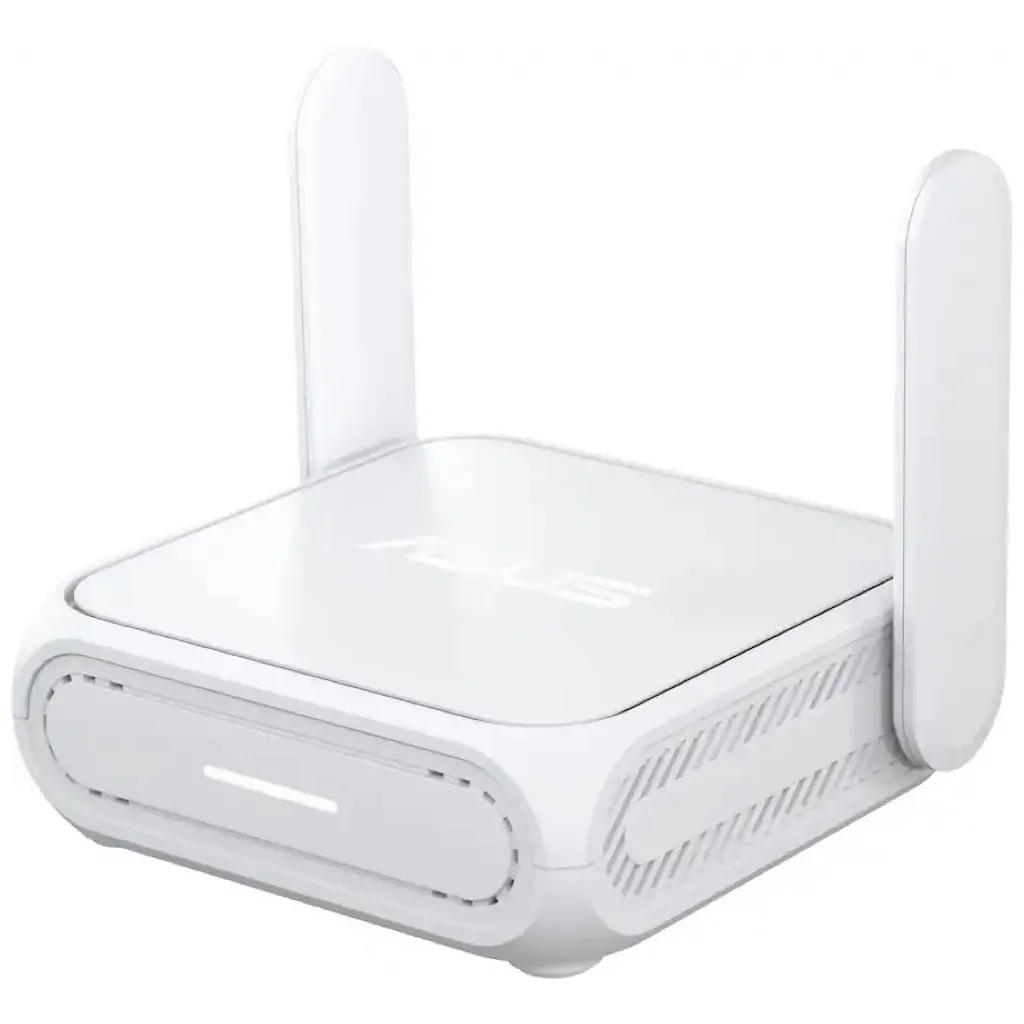
ASUS RT-BE58 Go Travel Router Review
As an Amazon Associate, we earn from qualifying purchases at no cost to you.
Why use a travel router?
Per-Device Costs
On a recent cruise, we quickly found that the WiFi on the ship was limited to one device per stateroom. You had to use a special login on a captive portal to signify which stateroom you were in, and if another device was already logged in to that stateroom, it would get booted. This quickly annoyed me and my better half, and we didn’t want to pay a fee for each additional device.
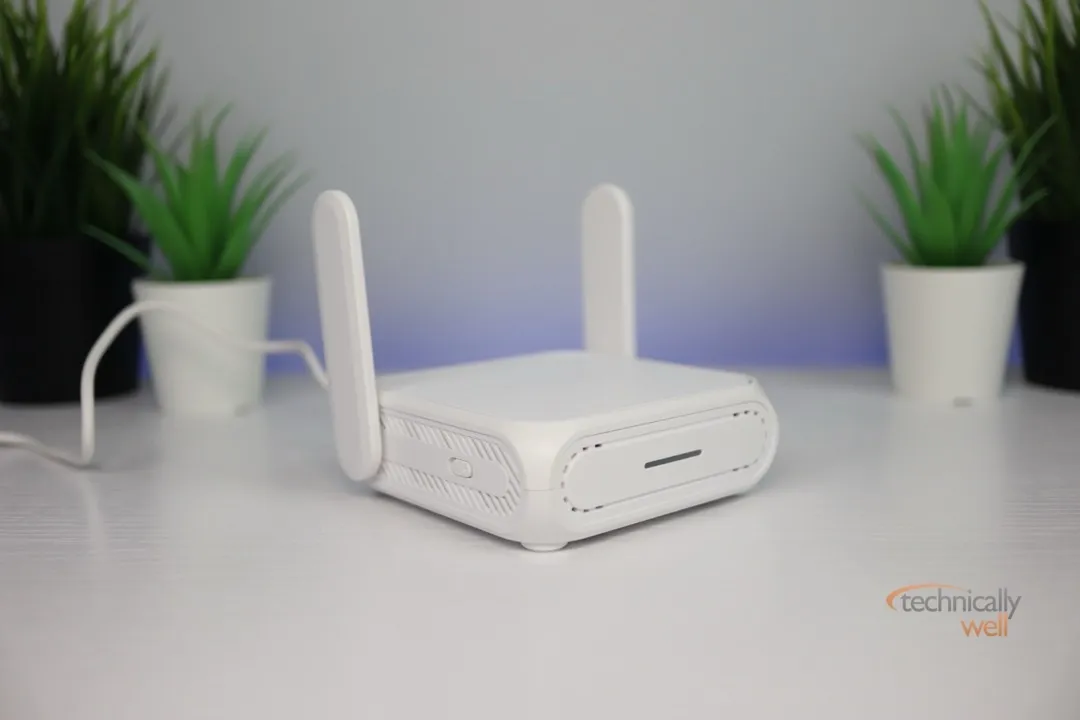
Thankfully, I had a travel router along with us. All of our devices (iPhones, iPads, laptops, etc.) connected to the travel router, and then the travel router connected to the ship’s wireless network and appeared as one device. Therefore, we were able to get around the silly device limitations. I used a large power bank to keep it powered throughout the day so I could move it around the ship in a backpack to successfully tether our devices..
The ASUS RT-BE58 Go Wifi 7 Router would have worked as well, although it does have higher power requirements and would require a power bank that supports USB-C Power Delivery (specifically, 9V/2A and 12V/2A). However, there are plenty of other uses for a travel router besides carrying it around on a cruise ship with a battery pack.
Hotel WiFi Lurkers
Travel routers such as the ASUS RT-BE58 Go are also convenient for setting up in your hotel room when traveling. You can connect it to the hotel’s WiFi, then activate a VPN on the ASUS router itself so all of your devices that connect to the travel router are also protected by your VPN (a separate subscription service) if you have one. For example, I’ve noticed that the WiFi at many hotels ditches a WPA2 password and they instead have you type a password on a captive portal (web page) so you can read their terms of service. Your WiFi connection is then virtually unprotected since there is no WPA2 protection encrypting your traffic from possible eavesdropping. Of course, most websites and apps use SSL which provides some protection on its own and the chances of a hacker snooping your WiFi traffic in the same hotel as you are probably pretty low.
Streaming Stick Protection
However, keeping your devices on a separate network also helps prevent your neighbors from AirPlaying something to your travel Roku stick, for example (this is something that happened constantly to me during a trip last summer). Since your devices are on a different network, your streaming devices don’t show up as a destination to other people connected to the hotel’s WiFi. It also saves you the hassle of needing to type the hotel’s password on each of your (and your kids’) devices. You simply enter it once through the travel router’s web or app interface, and all of your other devices just connect to the travel router’s WiFi as normal (which is hopefully already saved on your devices from previous use).
Performance
The ASUS RT-BE58 Go 7 travel router is a real powerhouse compared to my old travel router as it features Wi-Fi 7 dual-band technology. I’ve noticed that the range and VPN performance are significantly improved, offering me around 60 Mbps download speed when the VPN is active (my previous one could only reach about 15-20 Mbps).
On the back of the router, you will find a 2.5 GbE WAN ethernet port and 1 GbE LAN port. There is also a USB port (USB 3.0) for storage sharing, so you could load up a flash drive with some movie files and create a media-only hotspot. It’s important to note that this is not a cellular hotspot; it requires an internet connection from nearby WiFi or ethernet.
The travel router has built-in support for a handful of VPN providers, but I found Private Internet Access (PIA) was not one of them. However, you can easily download the OpenVPN OVPN files from your provider and import them into the device. You can also configure the toggle switch on the side of the unit to turn on and off the VPN on command (in case you encounter a website or service that intentionally blocks VPNs).
Our Verdict
Travel routers are handy if you travel with multiple devices and don't want to enter each hotel's WiFi password into each device. A travel router can also create your own little WiFi bubble where all of your devices' traffic is encrypted by your VPN. The ASUS RT-BE58 Go has solid performance and can handle multiple devices and VPN encryption with ease.
PROs
- Fast performance
- Isolates your devices from shared networks
- Automatically invoke your VPN on connected devices
CONs
- Somewhat larger than other travel routers

 Hi, I'm Ryan! I've worked in the IT industry for over two decades and I love checking
out new gadgets, apps, and services that make our lives easier.
Hi, I'm Ryan! I've worked in the IT industry for over two decades and I love checking
out new gadgets, apps, and services that make our lives easier.